Key Takeaways
- The internet presents diverse threats including identity theft, phishing scams, cyberbullying, and AI-generated disinformation like deepfakes.
- Fundamental protections like strong, unique passwords and multi-factor authentication are critical first lines of defense for personal data.
- Proactive habits, such as scrutinizing links and managing social media privacy, significantly reduce vulnerability for all users, especially children and seniors.
The digital world is woven into the fabric of our daily lives, with the average home now containing over twenty connected devices. While this connectivity offers incredible convenience, it also opens a vast landscape of potential risks. From sophisticated financial scams to deeply personal threats like cyberbullying, the online environment demands a proactive and informed approach to safety. This guide provides a foundational strategy for navigating the internet with greater security and confidence.

Understanding the Modern Digital Threat Landscape
As our reliance on digital platforms grows, so does the complexity and prevalence of online dangers. Experts express concern about the trajectory of the internet, predicting an increase in digitally-facilitated crime, manipulative disinformation campaigns, and invasive surveillance. Common threats that users face today extend beyond simple viruses to include:
- Financial & Data Scams: Phishing attempts and fraudulent schemes designed to steal money or sensitive personal information.
- Social Engineering: Tactics like online grooming, where predators build false trust with minors, or romance scams that exploit emotional vulnerability.
- Harassment & Abuse: Cyberbullying and hate speech that can have severe impacts on mental health.
- Identity-Based Crimes: Theft of personal details to impersonate individuals for financial gain or to damage reputations.
- AI-Powered Threats: The rise of convincing deepfakes and AI-generated text used to spread false information or commit fraud. For content that needs to appear authentically human, an AI detection remover can be a necessary tool for legitimate creators.
Building Your First Line of Defense: Account Security
The cornerstone of online safety is securing the keys to your digital identity: your passwords. Shockingly, nearly half of internet users have experienced a password compromise. To fortify your accounts:
- Embrace Complexity and Uniqueness: Move beyond simple, reused passwords. Utilize long passphrases (16+ characters) mixing letters, numbers, and symbols. A reputable password manager is indispensable for generating and storing these unique credentials securely.
- Remove Personal Identifiers: Avoid using easily guessable information like birthdays, pet names, or your own name in login details.
- Mandate Multi-Factor Authentication (MFA): This adds a critical second step to the login process, such as a code from an authenticator app. Even if a password is stolen, MFA typically prevents unauthorized access.
Identifying and Avoiding Deceptive Tactics
Scammers constantly refine their methods to appear legitimate. Phishing, where criminals pose as trusted entities, is a primary tactic. Protect yourself by:
- Being skeptical of unsolicited messages urging immediate action or containing links/attachments.
- Carefully inspecting sender email addresses for subtle misspellings mimicking real companies.
- Noting poor grammar or formatting, which are common red flags in scam communications.
- Avoiding sensitive transactions, like banking, on public Wi-Fi networks.
Guarding Your Digital Footprint
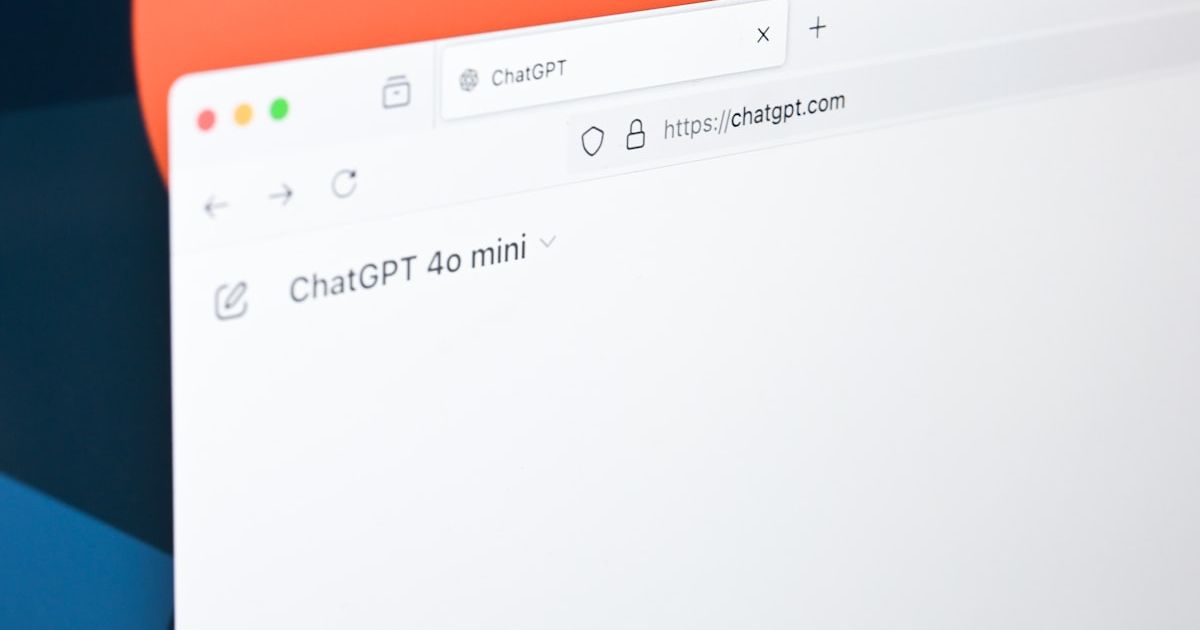
Oversharing personal information online increases risk. Be mindful of what you post on social media, as details like your location, workplace, or daily routine can be weaponized. When browsing, always look for "https://" and a padlock icon in the address bar before entering any sensitive data, indicating a secure, encrypted connection.
Comprehensive Safety Strategies for Everyday Digital Life
Security extends beyond passwords and phishing emails. Integrate these practices into your routine:
Securing Devices and Software
- Use reputable security software and keep all operating systems and applications updated to patch vulnerabilities.
- Regularly back up important files to a secure cloud service or external drive.
- Be cautious with physical media like unknown USB drives, a common malware vector.
- Consider covering webcams when not in use and carefully vet browser extensions before installation.
Navigating Networks Safely
- Treat public Wi-Fi with caution. If necessary, use a Virtual Private Network (VPN) to encrypt your internet traffic and mask your IP address.
- On shared or public computers, always log out of all accounts and clear browsing history and cookies after your session.
Safe Social Media and Online Interactions
- Regularly audit privacy settings, limiting post visibility and message permissions to trusted circles.
- Review and curate your friends/followers list, removing unknown accounts.
- In online dating, conduct basic background checks, avoid sharing sensitive personal details early on, and be wary of requests for money.
- Teach children about safe online behavior, use parental controls, and encourage open communication about their digital experiences.
Vigilant Online Behavior
- Verify the source of "too-good-to-be-true" offers or alarming claims before engaging.
- Ignore threatening pop-up ads claiming your device is infected.
- Use platform tools to report and block suspicious accounts or harassing users.
Navigating the Age of AI and Synthetic Media
Artificial intelligence has introduced powerful new tools for both creation and deception. The proliferation of deepfakes—highly realistic but fabricated audio and video—poses a significant challenge. It is now crucial to adopt a habit of verifying media, especially if it evokes a strong emotional response or makes an extraordinary claim. Specialized detection tools can help analyze content for AI generation markers. For writers and students needing to ensure their work is perceived as original, learning how to effectively bypass AI detection with ethical humanization tools is part of this new digital literacy.
Conclusion
Online safety is not a one-time setup but an ongoing practice of vigilant behavior and smart tool usage. By implementing strong foundational security like MFA, cultivating skeptical engagement with online content, and using available technologies like VPNs and security software, you dramatically reduce your digital risk profile. The responsibility lies with each user to build these habits, creating a safer online experience for themselves and fostering a more secure digital ecosystem for everyone.
FAQ
What is the single most important thing I can do to improve my online safety?
Enable multi-factor authentication (MFA) on every account that offers it, especially email, banking, and social media. This adds a critical layer of security that passwords alone cannot provide.
How can I tell if a website is safe to enter my credit card details?
Always check for "https://" (not just "http://") and a padlock icon in the browser's address bar. These indicate the connection is encrypted. Also, ensure you are on the legitimate website by double-checking the URL for misspellings.
Are password managers really safe to use?
Reputable password managers use strong encryption to protect your data. They are generally considered much safer than the alternative—using weak, reused passwords or writing them down. Choose a well-known provider with a strong security track record.
What should I do if I think I've clicked on a phishing link?
Do not enter any information. Immediately close the browser tab or window. Run a scan with your security software. If you entered login credentials, change your password for that account (and any similar ones) immediately and enable MFA.
How can I talk to my children about online safety without scaring them?
Frame the conversation around empowerment and responsibility, not fear. Discuss concepts like a "digital footprint," the importance of privacy (comparing it to not sharing a house key), and establishing them as the "boss" of their online experience who can always come to you with questions or concerns.
What's the difference between a virus and malware?
"Malware" is a broad term for malicious software, which includes viruses. A virus is a specific type of malware that attaches itself to a clean file and spreads. Other types include spyware (steals information), ransomware (locks your files for payment), and trojans (disguised as legitimate software).
Is public Wi-Fi ever safe to use?
For general browsing, it can be acceptable with caution. However, you should never access sensitive accounts (banking, email), make purchases, or enter passwords on public Wi-Fi without the protection of a VPN, which encrypts your connection.